Adobe Journey Optimizer: what a first event-triggered journey really takes
Adobe Journey Optimizer: what a first event-triggered journey really takes
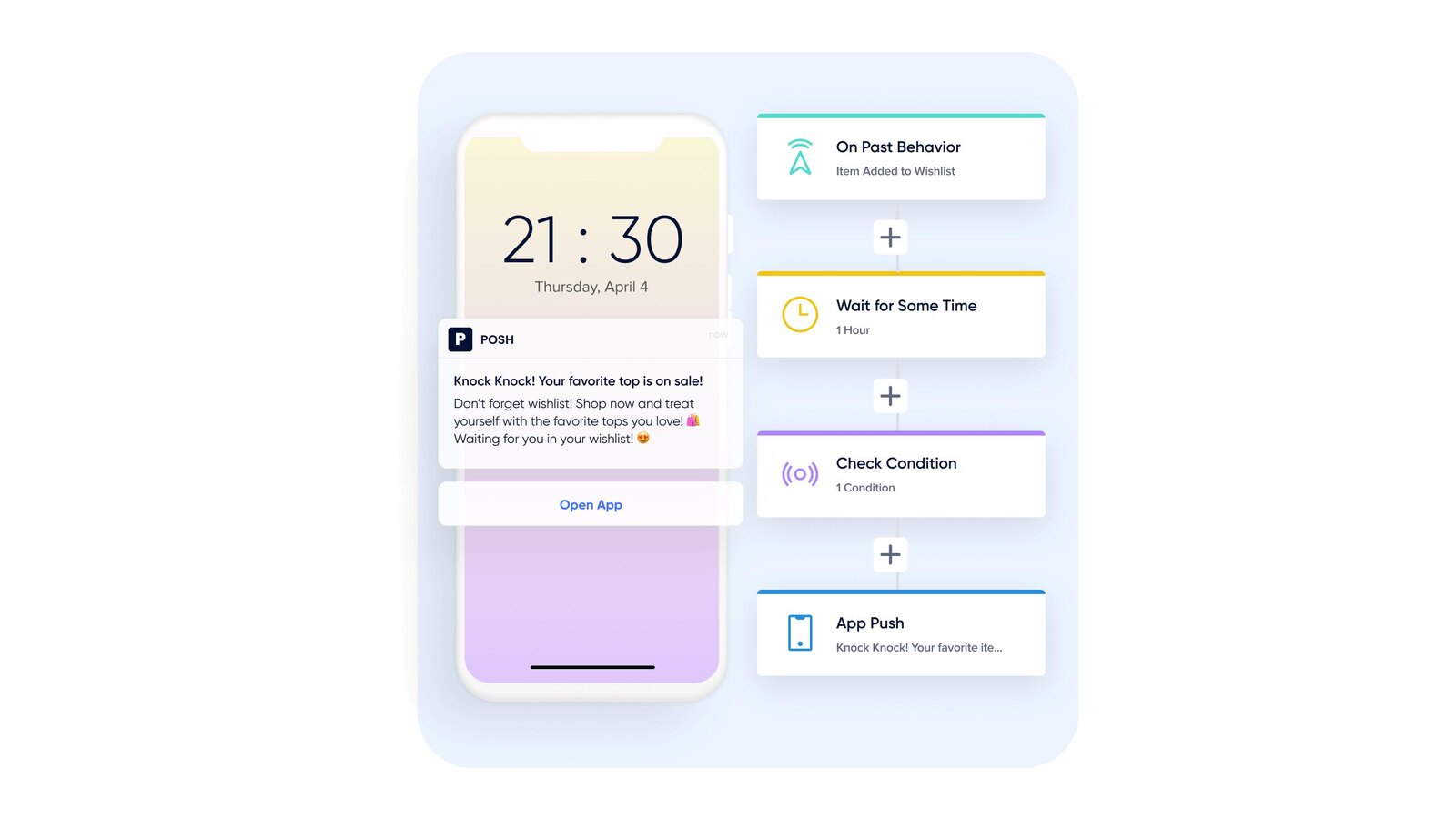
The brief is always a version of the same sentence: when a customer does this, react within minutes, in the right channel, without a campaign calendar in the middle. Adobe Journey Optimizer is built to grant that — reacting to one person’s own behavior in real time rather than to a segment refreshed overnight.
The part that catches teams out is where the difficulty sits. Dragging activities onto a canvas is the easy afternoon; the decisions that determine whether the journey works — and whether it can be changed later — are made before the canvas opens and at the moment you publish.
Table of contents
- What is a journey in Adobe Journey Optimizer?
- Why the entry type is a commitment, not a setting
- Three ways to validate, and they are not interchangeable
- Integration across Adobe Experience Cloud
- What to plan for: what freezes, and what is permanent
- Conclusion: why the canvas is the easy part
What is a journey in Adobe Journey Optimizer?
A journey is an orchestration a profile enters, moves through and exits. What determines its character is how profiles get in, and there are four ways — four different products of thought, not four styles of one thing.
A unitary event journey is triggered by one person’s own action — a purchase, a sign-in, a form submission — one profile at a time, in real time. An audience qualification journey listens to profiles entering and leaving an Experience Platform audience, so the triggering logic lives in an audience definition and a new signal needs no engineering change. A read audience journey brings every qualified profile in together, once or on a schedule: the closest thing here to a classic campaign. A business event journey starts from something that belongs to nobody in particular — a flight cancellation, a stock replenishment.
One prerequisite decides project sequencing: event configuration is mandatory and must be performed by a data engineer. Not something a marketer completes inside the canvas — if the business case depends on reacting to a behavior, someone must model that behavior first.
Why the entry type is a commitment, not a setting
The journey type is read from the first activity, and it governs what the rest of the journey may contain. A journey beginning with a read audience or an audience qualification cannot contain a jump to another journey, nor be the target of one. Only read audience journeys support incremental read: on each recurring run, only the profiles who joined the audience since the last execution. A journey may contain exactly one business event, and it must be the first activity.
One condition has a date attached. Real-time entry on audience qualification requires a streaming-evaluated audience; using a batch-evaluated one is deprecated and will be blocked from August 2026, so anything built on it today has an expiry date.
Two properties deserve a decision rather than a default. Allow reentrance controls whether a person can go through the journey more than once, with a wait period of up to 90 days — switched off for one-time experiences like a welcome gift. Exit criteria remove profiles when an event occurs or an audience condition is met, and are configurable only while the journey is in draft.
Three ways to validate, and they are not interchangeable
"Test the journey" means three different things here, and choosing the wrong one produces confidence you have not earned.
Simulation runs on simulated users — temporary profile-like entities that do not persist in Experience Platform. It is the fastest loop, and the right one while the canvas is still moving. Channel proofs, custom actions and external data sources can still make real outbound calls during simulation, so non-production contact points matter.
Test mode runs on persistent Experience Platform profiles flagged as test profiles, reusable across sessions — the right choice when you need consistent, predefined data. It caps at 100 profiles per session, blocks journey edits while active, and always takes the top branch at a split. Events it fires are real experience events, which can trigger other journeys listening for them.
Dry run is a publication mode rather than a test mode, and the one that answers the question executives ask. It runs against real production data without contacting customers and without updating profiles: channel actions are disabled and not executed. It is the only one of the three that shows whether your targeting and branch logic hold on the real profile store.
Integration across Adobe Experience Cloud
A journey is only as good as what feeds it. Audiences come from the same profile store as everything else, built and activated in Adobe Real-Time Customer Data Platform — which is why an identity model resolving one person to one profile is a journey concern, not only a data concern.
Measurement runs at three resolutions: live reporting in the canvas for the last 24 hours — profiles entered, exited, in error, and discarded, the diagnostic one, counting people turned away because reentrance was not allowed or came too soon; the journey report in Customer Journey Analytics for a chosen period, on events at least two hours old; and journey step events underneath, holding the per-activity record for when you need to know why one person stopped where they did. The profile error rate alert fires when profiles in error exceed a share of those entered over the last five minutes — 20 percent by default.
What to plan for: what freezes, and what is permanent
A published journey cannot be restructured. After publication it is read-only — only labels, descriptions and the name can be edited. Any real change means a new version, created only from the latest one, and publishing it switches the previous version to closed automatically. Profiles already inside finish where they are.
Stopping a journey is permanent — a stopped journey must be duplicated to run again. Closing it to new entrances lets those inside complete; pausing is reversible.
Dry run is not free. Its profiles count toward engageable profiles and the run itself against the live journey quota. It stops automatically after 14 days, and its reporting exists only while it runs.
Profiles time out at the journey level. A profile can remain for at most 91 days, after which it is exited and its data deleted regardless of the journey’s end date. Any wait longer than that is a second journey, not a longer timer.
Conclusion: why the canvas is the easy part
The interesting engineering in a journey program is not the orchestration. It is the event modeled before anything could listen to it, the entry type chosen knowing what it rules out, and the validation discipline that catches a broken branch before a customer does.
Softwhale builds that chain rather than the message at the end of it — event and channel configuration, the audiences it reads from Adobe Experience Platform, the validation pass in the mode that answers the real question, and the reporting that shows whether profiles moved. If a journey you run behaves in a way nobody can explain, that is usually where the answer is.
Unlock the power of Adobe Solution with Softwhale.
Unlock the power of Adobe Solution with Softwhale.
Explore how Softwhale’s expert Adobe solutions can help you build scalable and personalized digital experiences. Dive deeper into insights and best practices tailored specifically to your industry. Stay informed with our latest blog posts on Adobe trends, strategies, and innovations.