Adobe Marketo Engage and Salesforce: the CRM sync decisions you only make once
Adobe Marketo Engage and Salesforce: the CRM sync decisions you only make once
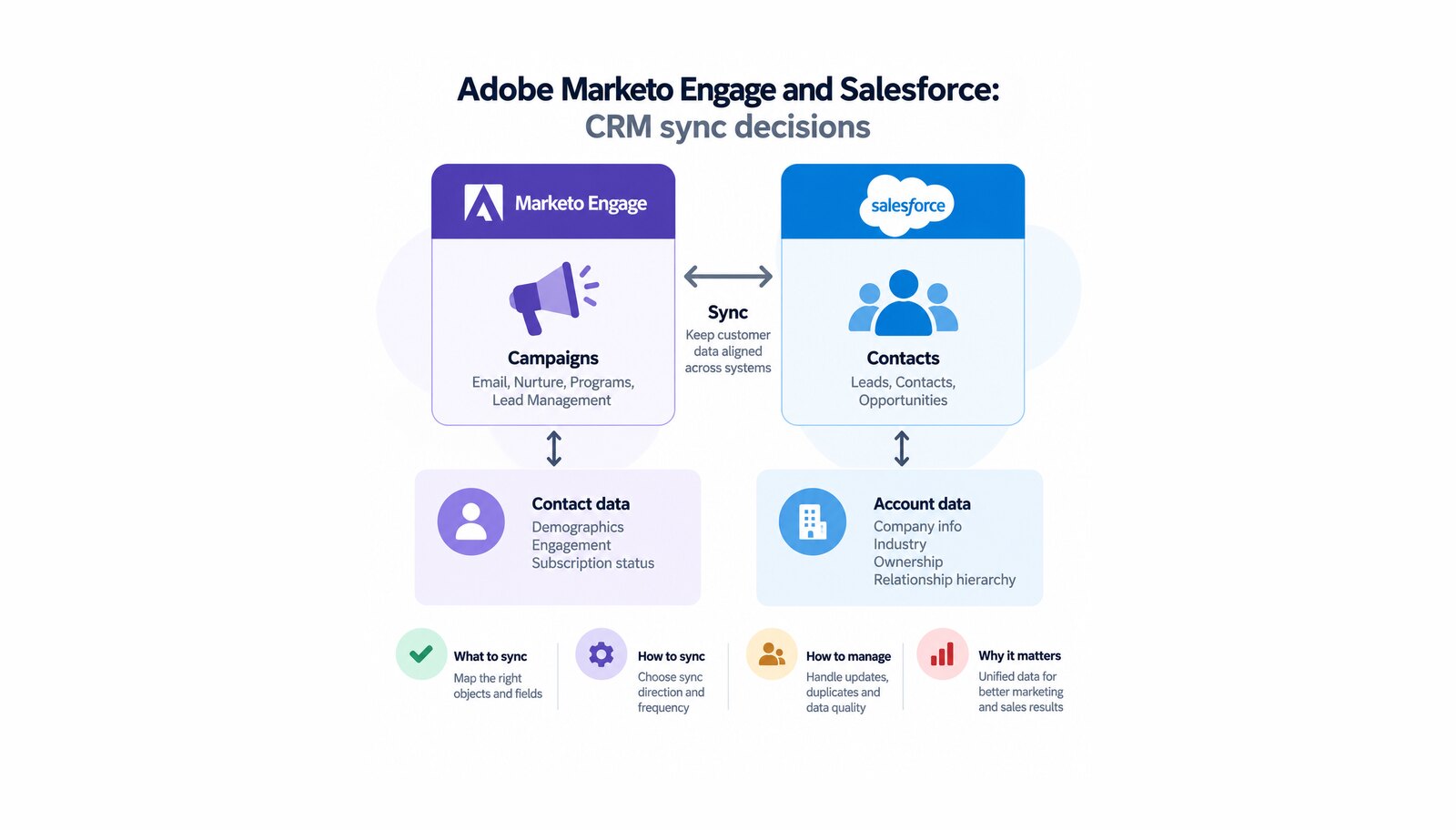
The CRM sync is the integration that decides whether marketing automation gets believed. While it works, nobody mentions it. When it drifts, sales stops trusting the lead queue, marketing stops trusting its reports, and both teams start keeping private spreadsheets.
Adobe Marketo Engage connects to the CRM natively rather than through middleware — a real advantage, and the reason the integration is easy to underestimate. A few of its decisions become permanent the moment the sync is switched on, and those are worth slowing down for.
Table of contents
- What is the Adobe Marketo Engage CRM sync?
- Field mapping is a one-time decision
- Three connectors, three different scopes
- Where a failing sync becomes visible
- Integration across Adobe Experience Cloud
- What to plan for: permanent fields, duplicates and backlog
- Conclusion: why the CRM sync is a design decision, not a connector
What is the Adobe Marketo Engage CRM sync?
Adobe documents native connectors for three systems: Salesforce, Microsoft Dynamics and Veeva CRM. Salesforce is the case most organizations meet first, and it sets expectations for the others.
The Salesforce sync is continuous rather than scheduled: "Marketo syncs with Salesforce all day, every day. Each sync takes some time and then pauses for 5 minutes, then starts again." The beginning is the exception — the first sync "may take hours or even days because Marketo is copying the entire database from Salesforce", after which each cycle handles only what changed.
Direction is not symmetrical — the fact most often assumed wrong. "The sync between Salesforce and Marketo is bidirectional only for leads, contacts, and Salesforce campaigns." Everything else moves from Salesforce to Marketo only, so anything marketing wants to write back must live on an object that supports it.
Field mapping is a one-time decision
During the initial sync, Marketo Engage "automatically combines similarly named custom fields into a single field on the Marketo side to ensure the data can be exchanged with both Lead and Contact objects in the CRM." That default is occasionally wrong — two similarly named fields may hold different data, and the automatic mapping can be broken apart.
The catch is timing. Adobe is unambiguous: this "is only accessible before the initial sync to Salesforce", and its setup guidance puts it more bluntly — "this is your only chance to do so!" A second boundary sits inside the same decision: you can only edit custom field mappings. Standard field mappings cannot be modified.
Three connectors, three different scopes
These three are not variations on one behavior: treating a Salesforce fact as a general CRM fact promises what the platform will not do.
Salesforce is bidirectional for leads, contacts and Salesforce campaigns. Microsoft Dynamics is bidirectional for leads and contacts, while "all other fields, such as accounts and opportunities, are synced one way only, from Dynamics to Marketo"; Adobe describes that sync as background work "in batches, not in real time". Veeva CRM is narrower again and sits on a different object model — bidirectional "only for Contact fields on the Person account object", everything else Veeva to Marketo Engage only. Veeva adds two constraints: the instance must have access to Salesforce APIs, since Veeva is built on that platform, and only one Marketo instance may connect to a Veeva instance at a time.
Adding a field later diverges too — it matters when someone asks whether history backfills. For Dynamics you "can add fields at any time and expect the data to be refreshed from Dynamics to Marketo." For Salesforce, "if the field already has values in Salesforce, those values don’t sync over to Marketo until the next record update." Same question, two answers.
Where a failing sync becomes visible
A sync that stops silently is worse than one failing loudly. Marketo Engage reports the Salesforce sync in one of three states — last synced, sync in progress, or failed — with a separate error view behind it.
Errors are classified by where they failed: record level or job level. That is the first diagnostic question — a malformed record is a data problem, a job-level failure an integration problem, and they belong to different people. Both export as CSV.
The constraint to design around is the window. "Errors listed range from the current time to five days prior to the current sync", and the status dashboard likewise "shows status of sync cycles for the past five days." A failure noticed three weeks later is not diagnosable from the platform, which makes monitoring a requirement.
Integration across Adobe Experience Cloud
Marketo Engage is also a destination for Adobe Experience Platform audiences — a different connection with a different purpose, described by Adobe as "real-time synchronization of audience data and profile attributes between Adobe Experience Platform and Marketo Engage." Two sync types exist, audience only or audience and profile, and the second pairs with an action that either updates existing persons only, or updates existing and creates new ones — a policy question about who may create records, not a technical preference. The platform side of the work sits on our Adobe Real-Time Customer Data Platform page, the demand generation side on our Adobe Marketo Engage page.
Three prerequisites gate it, all organizational rather than technical: the person setting it up needs the Edit Person permission in their Marketo instance and partition, only instances on the same Adobe Real-Time CDP organization appear as options, and only instances whose users are managed in the Adobe Admin Console can use the destination.
What to plan for: permanent fields, duplicates and backlog
Three consequences belong in the project plan:
- Fields arrive permanently. Once field sync starts, "all fields the user can see will be created in Marketo permanently and cannot be deleted." Restricting what the sync user sees is a design step, not housekeeping.
- Duplicates are yours to prevent. "Marketo will not automatically de-dupe against a Salesforce sync, or when you manually enter leads" — and Adobe documents the same absence separately for Dynamics and for Veeva.
- Schema changes in the CRM have teeth. Changing a field type deletes mismatched data after a warning; changing an API name creates a new field in Marketo rather than renaming the old one; changing a label does nothing on the Marketo side.
Then there is throughput. Any Salesforce update touching a record’s modification timestamp queues that record, so a bulk update elsewhere delays the fields marketing cares about. Adobe recommends hiding fields with no marketing value from the sync user, so updates resolve as a skip rather than an update.
Conclusion: why the CRM sync is a design decision, not a connector
Native connectors make the integration quick to switch on, which is why it gets treated as configuration. It is not. The direction each object moves, which fields exist, how mappings are combined, who may create records and who watches the error log are decisions about how two departments share a database for years, and several cannot be revisited without starting over.
That is why CRM design comes before the campaign build on an Adobe Marketo Engage engagement: field scope agreed with the CRM owner, mappings reviewed while editable, deduplication rules written down, and monitoring in place while the five-day window still holds it.
Unlock the power of Adobe Solution with Softwhale.
Unlock the power of Adobe Solution with Softwhale.
Explore how Softwhale’s expert Adobe solutions can help you build scalable and personalized digital experiences. Dive deeper into insights and best practices tailored specifically to your industry. Stay informed with our latest blog posts on Adobe trends, strategies, and innovations.