AI Assistant across Adobe Experience Cloud: why there is no single switch
AI Assistant across Adobe Experience Cloud: why there is no single switch
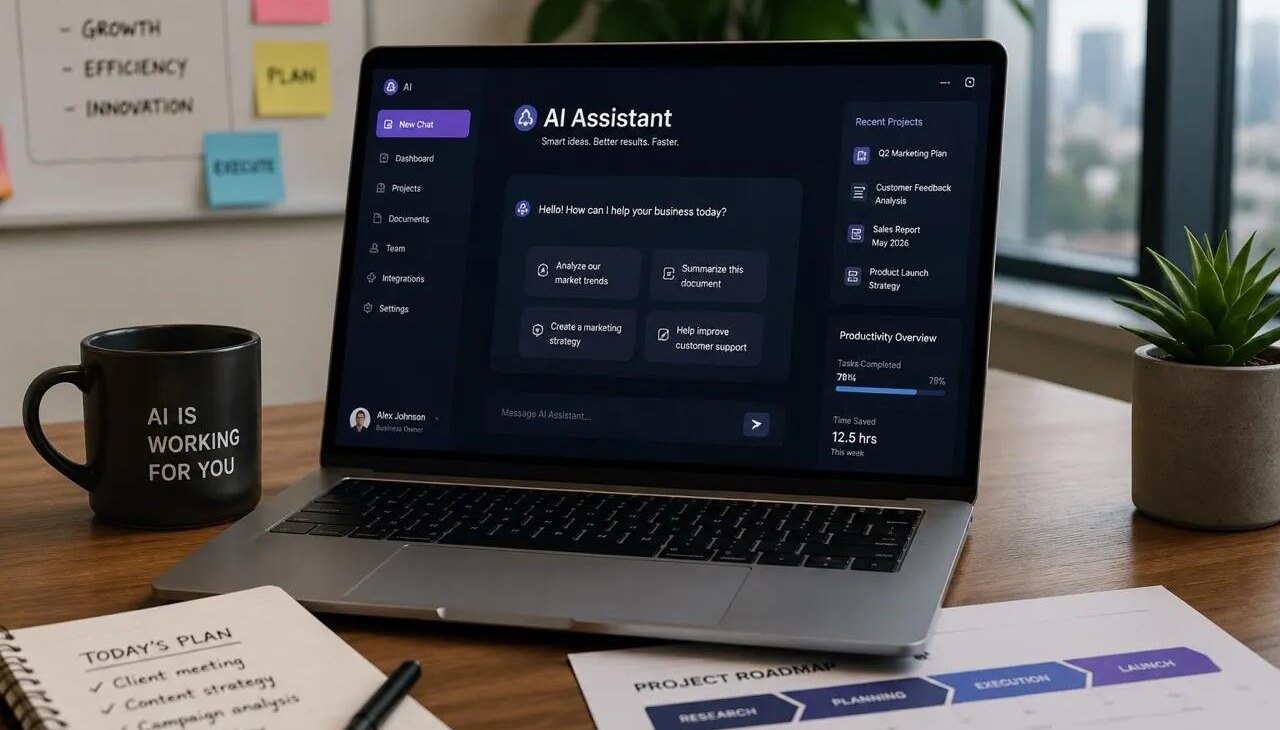
"Turn on the AI assistant" sounds like one task. It is not: there is no single switch. AI Assistant appears inside several Adobe Experience Cloud applications, and each gates it differently — a permission here, an Admin Console product profile there, a plan level and a signed agreement elsewhere.
Two things are worth settling before anyone demonstrates it: what an answer is allowed to contain, and which of two generations you are looking at. A permission correct for one generation is wrong for the other, which is the usual cause of an instruction that does not work. The wider program these assistants belong to is on Adobe AI services.
Table of contents
- What an answer is allowed to contain
- Two generations, two access models
- What it takes to switch on, application by application
- Integration across Adobe Experience Cloud
- What to plan for: lag, prompts and defaults
- Conclusion: an enablement project, not a feature toggle
What an answer is allowed to contain
In Adobe Experience Platform there are two classes of question. Product knowledge means concepts grounded in Experience League documentation — learning, discovery, troubleshooting. Operational insights means answers about your own metadata objects: attributes, audiences, dataflows, datasets, destinations, journeys, schemas and sources, including counts, lookups and lineage impact.
Then there is the boundary, and Adobe states it twice. About the answers themselves: operational insights does not look at any data within the sandbox — they are built from metadata objects, not from the records inside them. And about the assistant as a whole: AI Assistant is unaware of consumer data, and no personal data is used by it today, even for training. Those are the sentences to read out when someone asks whether it will summarize customer records.
Scope differs by application: in Experience Platform, AI Assistant (Legacy) answers product knowledge for Experience Platform, Real-Time Customer Data Platform and Adobe Journey Optimizer, while Customer Journey Analytics topics are reachable through its own interface.
Two generations, two access models
The documentation describes two implementations side by side, and they are not variations of one thing.
AI Assistant (Legacy) is an application-specific implementation with an application-scoped access model: a user must belong to a role provisioned with specific permissions before the panel opens.
AI Assistant (Next-Gen) is a unified experience across all Adobe Experience Cloud applications, powered by Adobe Experience Platform Agent Orchestrator, adding agentic skills and multi-step task execution. Its access model is nearly the opposite: all users get access to the assistant and the associated Experience Platform agents, with two exceptions — Experience Manager and Customer Journey Analytics — where an administrator still grants it.
Check which generation a page describes before acting on its permission advice — pages covering Legacy say so in the title. A plan built from the wrong page produces roles nobody needed, or an assistant nobody can open.
What it takes to switch on, application by application
One step comes before every other: agreement to Adobe’s generative AI terms at organization level. The wording differs by product — the Adobe Experience Cloud Generative AI User Guidelines in Journey Optimizer, an additional agreement covering most AI-powered and agentic capabilities in Experience Manager, a signed Adobe Gen AI agreement on file for Workfront. Confirm the coverage rather than assuming it.
After that, each application has its own gate.
Experience Platform, Real-Time CDP and Journey Optimizer share the Experience Platform permissions interface. For AI Assistant (Legacy) a user needs a role carrying Enable AI Assistant and View Operational Insights — the first grants access and nothing more, the second enables operational insights answers. The same category also carries Generate Content and Manage Brand Kit, so selecting the whole category grants far more than a chat panel. In Adobe Journey Optimizer the operational insights are narrower: in beta, journeys only, scoped to the current sandbox.
Customer Journey Analytics uses a different console and permission name: an administrator adds the Reporting Tools permission AI Assistant: Product Knowledge to a product profile in the Adobe Admin Console. The assistant is available in Customer Journey Analytics but not in Adobe Analytics — worth saying early to any team assuming the two share features.
Experience Manager as a Cloud Service runs the other way. Permission to access product knowledge is mandatory and on by default, so in AEM as a Cloud Service the work is restriction rather than enablement: you email Adobe from the address on your Adobe ID, Adobe enables user-level access control, and only then can an administrator grant it per user. Automated support ticket creation additionally requires the Support Admin role.
Workfront has the longest list, all applying together: migration to the Adobe Identity Management System, the Adobe Unified Experience enabled, a Select, Prime or Ultimate plan, and a signed Adobe Gen AI agreement on file — then two administrator switches, organization-wide first and per access level second. In Adobe Workfront it summarizes projects, tasks, issues and documents, locates items, and generates formulas for calculated custom fields — that last one gated again, to Prime and Ultimate plans only.
Integration across Adobe Experience Cloud
The assistant is a doorway rather than a destination, and Customer Journey Analytics shows what it opens onto. The Data Insights Agent, a separate permission added the same way, is reached from the assistant and answers questions about your data by building visualizations in Analysis Workspace from your data view components — so unlike product knowledge, it does read data.
It carries a governance ceiling worth knowing before it is promised: data views must be explicitly enabled for it, with a maximum of 50 per organization — where more than 50 are enabled, the 50 most-used are what it sees. That makes the data view inventory — see data views in Customer Journey Analytics — a prerequisite for the agent being useful rather than merely available.
What to plan for: lag, prompts and defaults
AI Assistant (Legacy) lags by up to 24 hours, and so do permissions. The data behind operational insights is updated daily, so a response can be a day behind the interface. The same window applies to access control: a permission change can take up to 24 hours to be reflected, and during it users with newly restricted access can still reach the objects you restricted. Revoking access is not immediate.
Prompts are not a safe place for personal information. For AI Assistant (Legacy), Adobe states that personal information is not used for training and asks that you not provide any about yourself or anyone else. Interactions are logged with a 30-day retention policy — internal guidance material, not a footnote.
Conclusion: an enablement project, not a feature toggle
AI Assistant is genuinely useful, and switching it on across an estate is a governance project rather than an afternoon: one legal agreement, several consoles, two generations with opposite access models, and plan-level conditions deciding what each team sees.
Softwhale handles that as part of Adobe AI services work: confirming what the agreement covers, mapping each application’s gate to the people who need access, checking which generation you are on before roles are built, and writing the boundary down — what the assistant can answer, what it cannot see, what should never be typed into it.
Unlock the power of Adobe Solution with Softwhale.
Unlock the power of Adobe Solution with Softwhale.
Explore how Softwhale’s expert Adobe solutions can help you build scalable and personalized digital experiences. Dive deeper into insights and best practices tailored specifically to your industry. Stay informed with our latest blog posts on Adobe trends, strategies, and innovations.